Internal storage, game files and save data
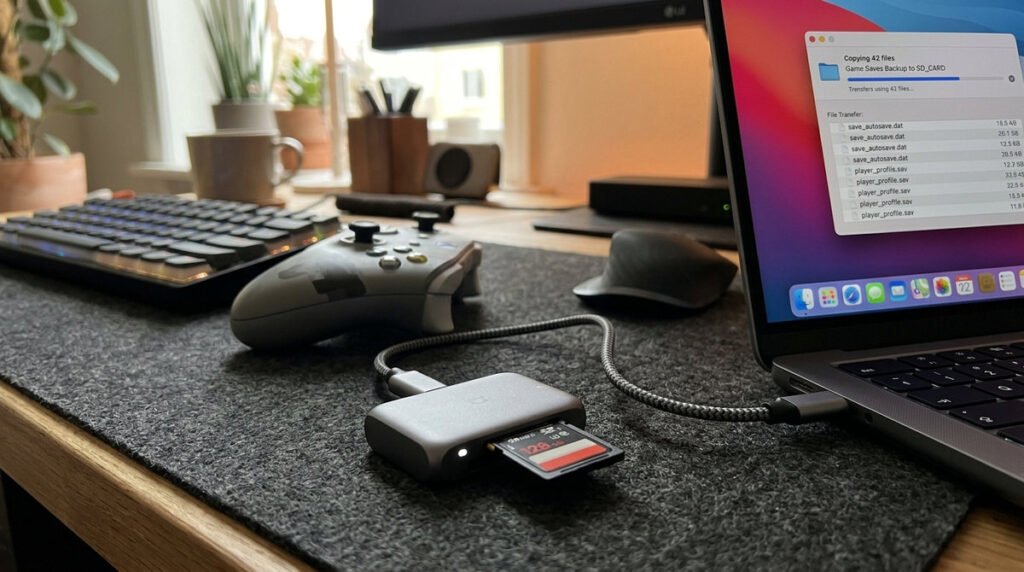
Use separate categories when planning free space. Downloaded game data, screenshots and save data have different storage and transfer rules, and putting an Express card into the console does not automatically back up every save. Start by identifying the games you play weekly and their installed sizes. If space runs short, archiving a replaceable download is less risky than deleting unknown data. Any card purchase should specifically support microSD Express, not merely fit into the slot.
What belongs on microSD Express
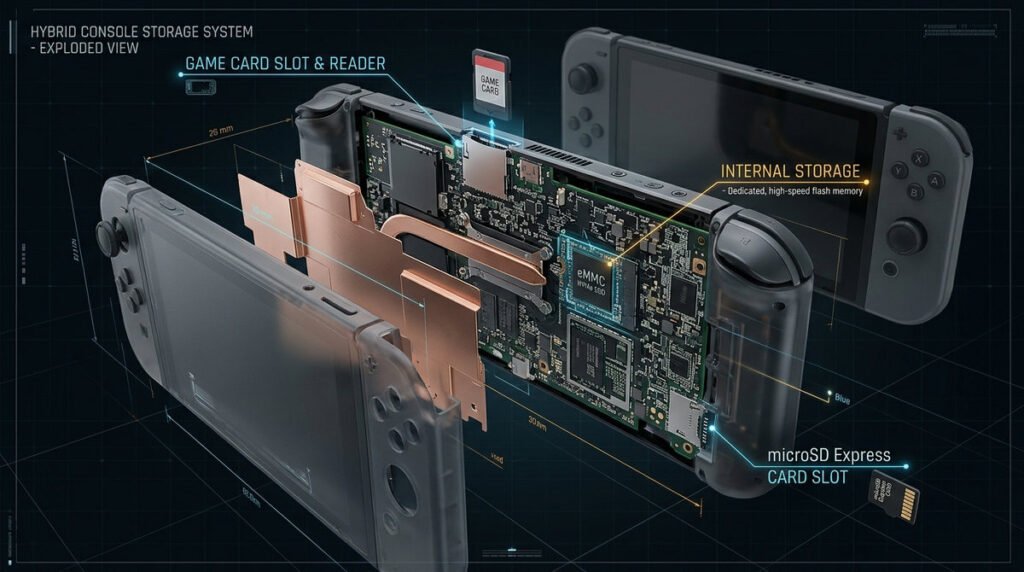
Storage decisions become clearer when you separate four categories: installed game data, saved progress, captured screenshots/videos and account entitlements. Deleting or archiving a game is not the same as deleting its save, but you must follow the console’s specific prompts. Nintendo Switch 2 game expansion storage uses microSD Express, not a standard original Switch microSD card. Check the label before purchasing a capacity upgrade.
Planning around downloads and updates
Open the console’s Data Management screens to see which titles occupy the most room instead of assuming all games are similar sizes. Some large games may grow through patches or downloadable content, so leaving free space is sensible. Before moving or formatting a card, confirm how your console handles saved data and captured media. Avoid purchasing an oversized card from an unknown seller just because the listed cost per gigabyte looks unusually attractive.
Storage planning checklist
- Internal versus expansion: Understand which content uses built-in memory and what Express cards can hold.
- Why Express matters: An ordinary microSD card is not a substitute for Switch 2 game-storage expansion.
- Game sizes: Download requirements vary dramatically by publisher and release.
- Save data: Treat progress separately from removable game installations.
- Screenshots and videos: Captured media has its own capacity and transfer concerns.
- Freeing room: Archive replaceable downloads before touching irreplaceable progress.
- Card health: Avoid counterfeit storage and interruption during writes.
- Sizing realistically: Plan around the games you regularly keep installed.