Gaming Guides
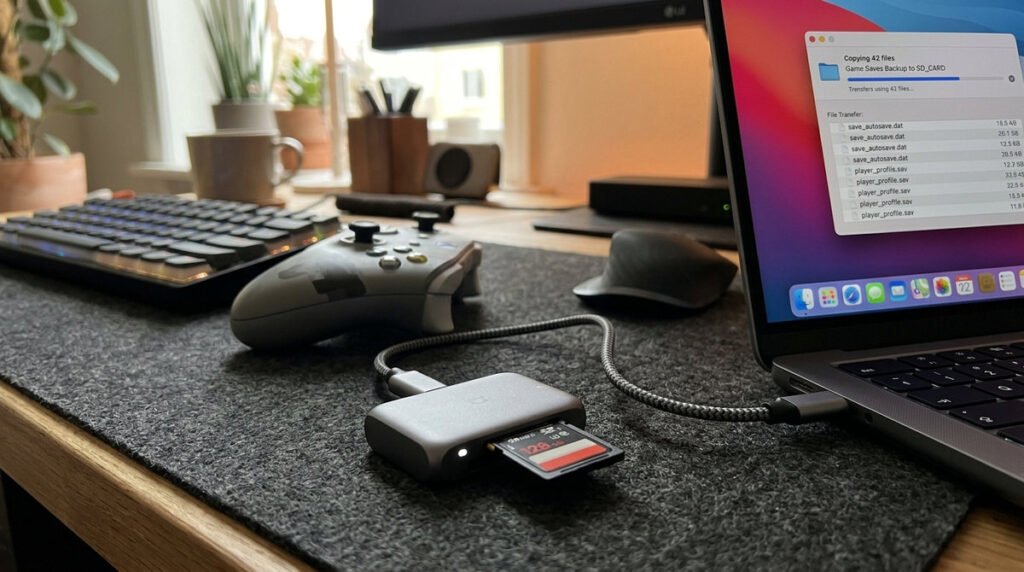
How to Move Screenshots and Videos From Switch to PC
Transferring Switch screenshots to a computer works best when you keep files organized and do not assume game saves move with media.
Practical, careful instructions for Switch 2 setups, accessories, transfers and repairs. Browse our focused articles for clear explanations, release context and advice worth saving.
Transferring Switch screenshots to a computer works best when you keep files organized and do not assume game saves move with media.
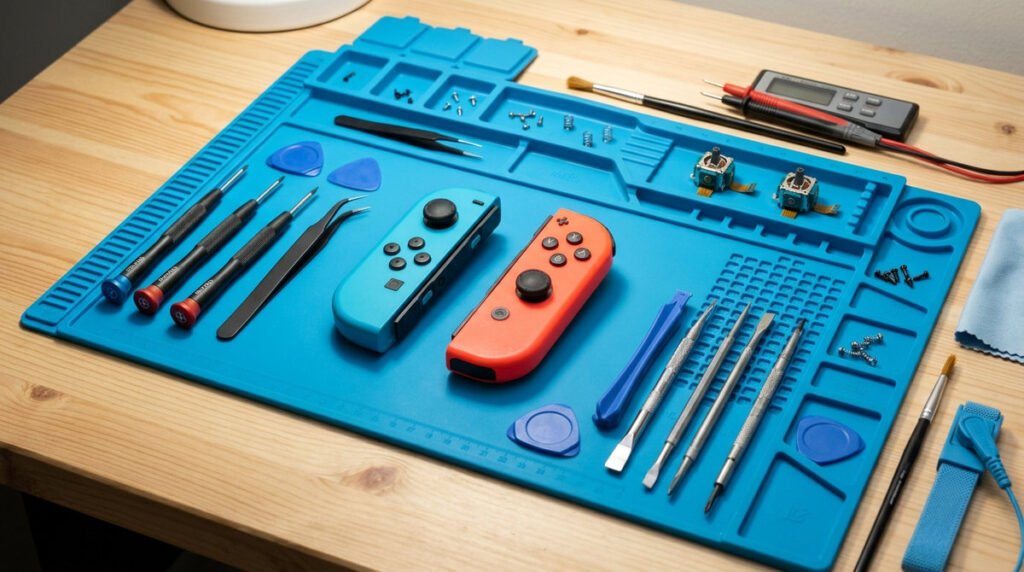
Joystick drift and wireless pairing failures are separate problems; identifying which symptom you have prevents unnecessary repairs.
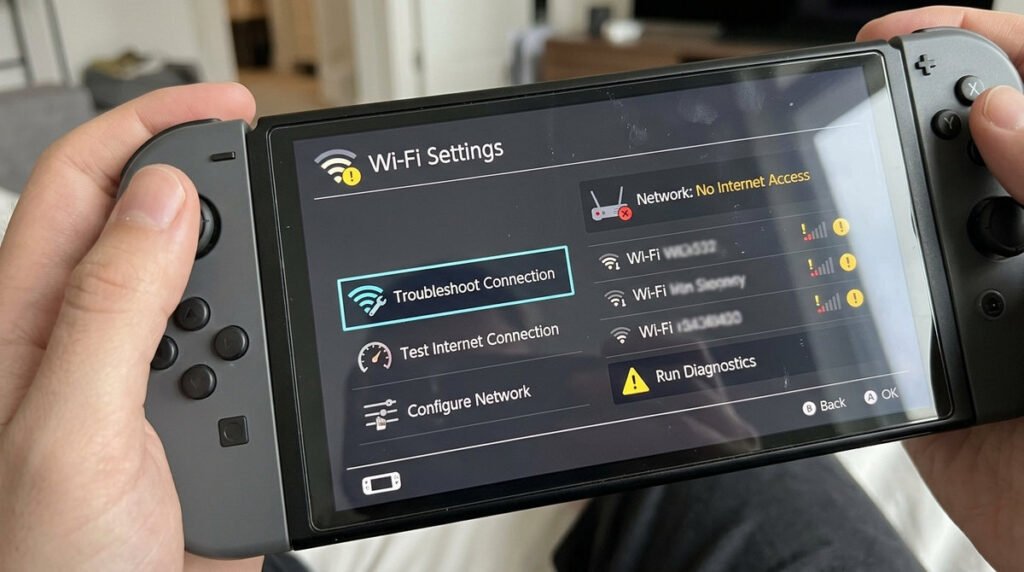
Most Wi-Fi troubleshooting starts by deciding whether the console, the router or a particular online service is at fault.
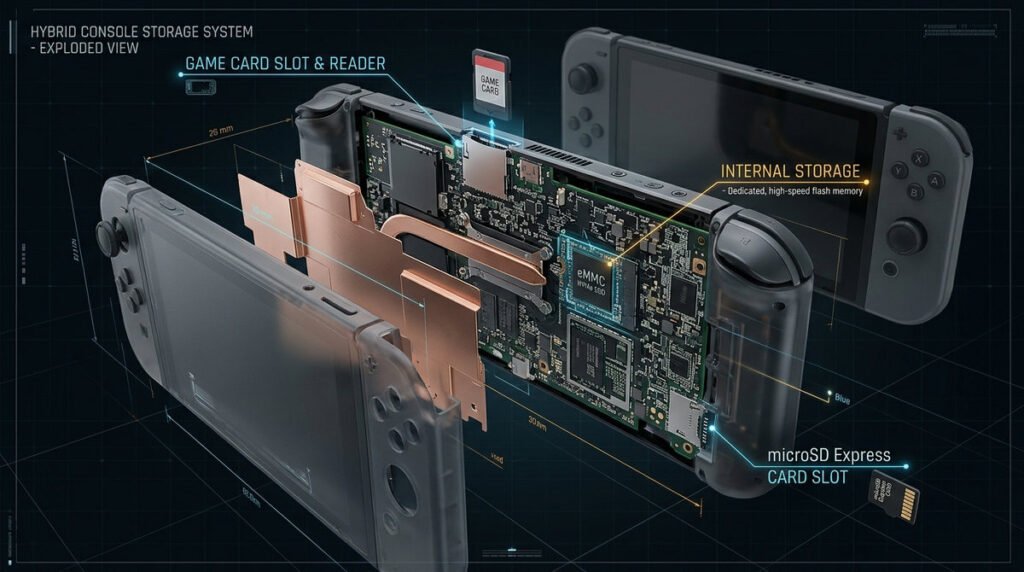
Switch 2 storage combines built-in space with microSD Express expansion, while save data and game software do not always move the same way.
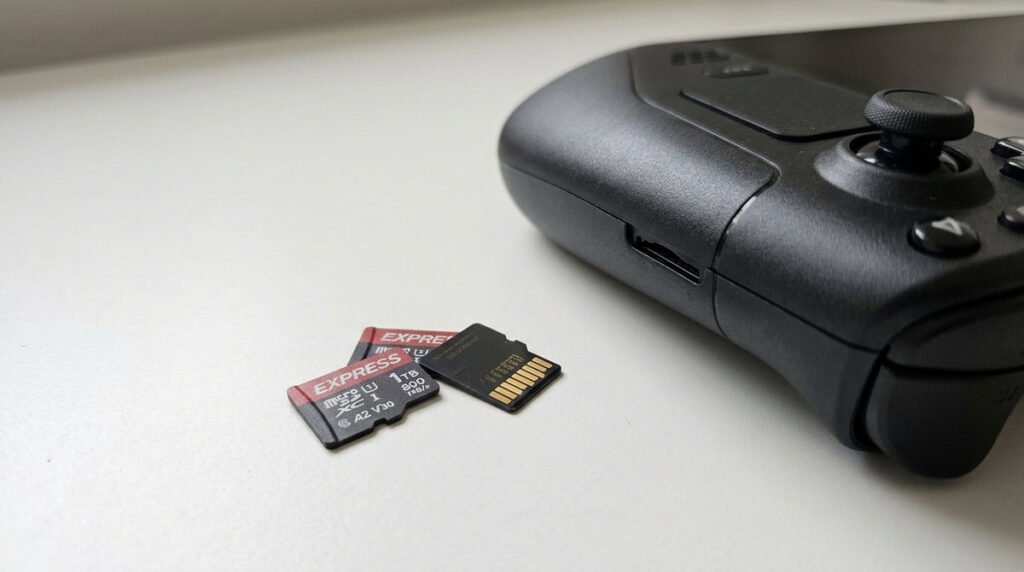
Selecting a Switch 2 microSD Express card is a compatibility-first purchase: confirm the standard, buy genuine storage and size it for your games.
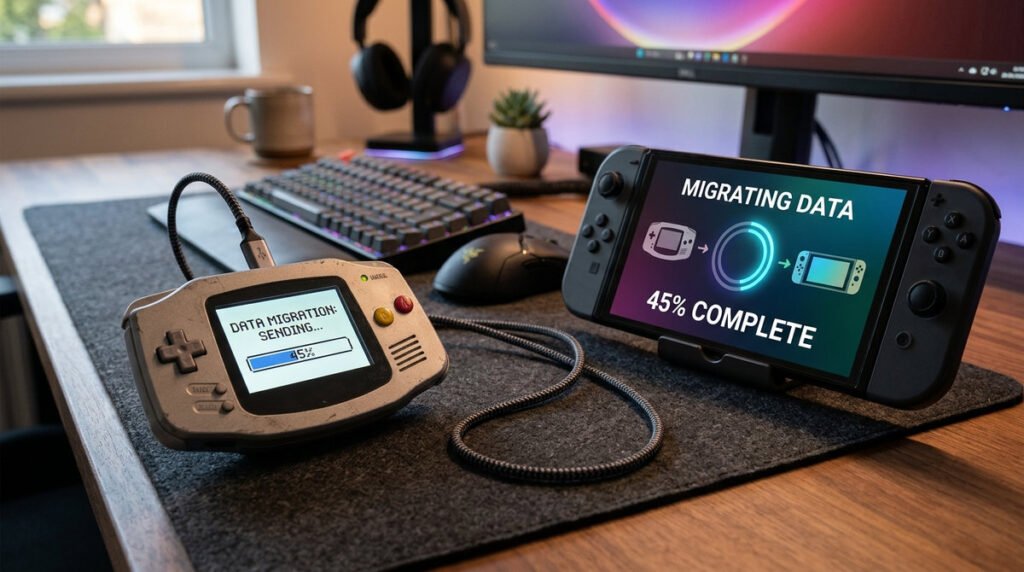
Moving from Switch to Switch 2 is a sequence of account, save and software steps; verify important data before wiping the old console.