GameChat requirements and supported equipment
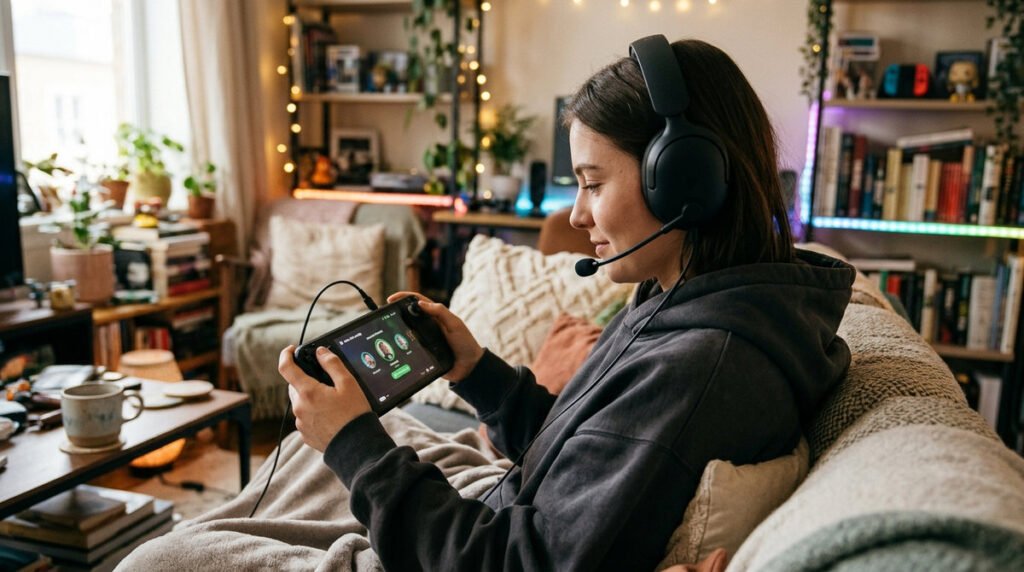
GameChat can combine voice, compatible video cameras and screen sharing, but participants still need to consider privacy. Check the microphone indicator, mute controls and who can join the call before starting. Nintendo’s support guide documents membership and connectivity requirements, so do not infer them from a generic video-chat app. A stable connection matters more than a high advertised broadband speed. Families should configure supervised accounts and communication settings before a child uses chat.
Setting up a chat session
GameChat combines voice communication with supported screen-sharing features on Switch 2. Starting a group involves console and account eligibility and may also involve Nintendo Switch Online membership rules, family settings or identity verification depending on the user’s circumstances. A feature being available on the console doesn’t mean every child account can use it without parental approval. For privacy, know who can join a conversation and review the settings before inviting friends.
Privacy, access and connection limitations
Test your own microphone and speaker output before joining a multiplayer session. Background noise, a headset connected to another device or a slow upstream connection can all change the experience. If your microphone is not heard, separate a system-level input problem from one game’s chat behavior. Think carefully before using a camera or screen-sharing personal information; close sensitive screens and teach younger players how to leave, mute and report problematic interactions.
GameChat preparation checklist
- Starting a chat: Find the GameChat controls and review the on-screen guidance for the C Button.
- Microphone and camera: A camera is optional for supported video features and permission indicators matter.
- Nintendo accounts: Age settings and the current Nintendo membership terms can affect availability.
- Privacy controls: Use mute, blocking and parental settings before joining large groups.
- Internet quality: Stable Wi-Fi or wired connectivity is more useful than peak advertised broadband speed.
- Audio troubleshooting: Check the selected microphone and headphone settings independently.
- Playing while talking: Sharing a screen is not the same as streaming every game’s audio or video without restrictions.
- Avoiding surprises: Review what people can see and hear before inviting them.