What a Virtual Game Card actually represents
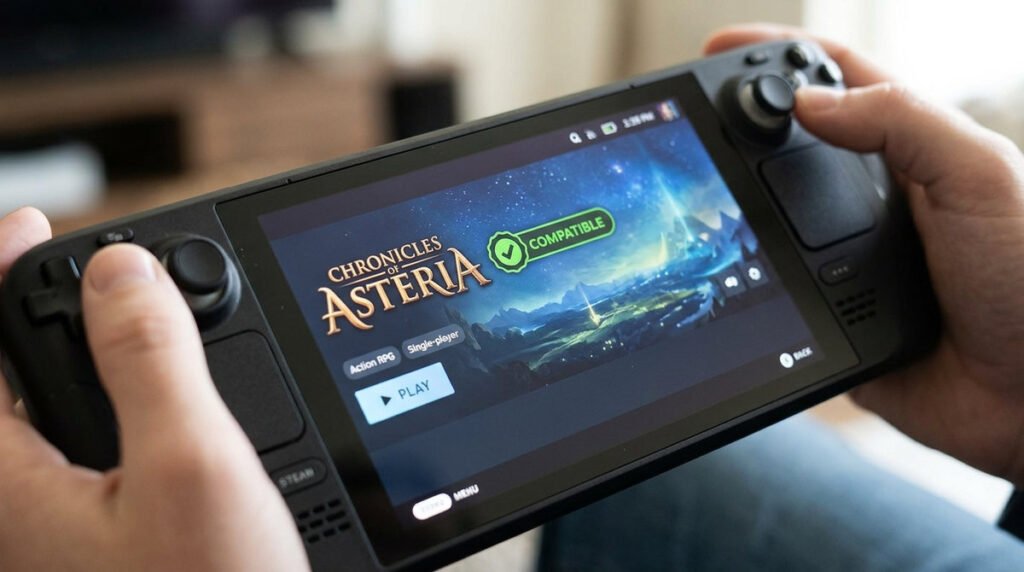
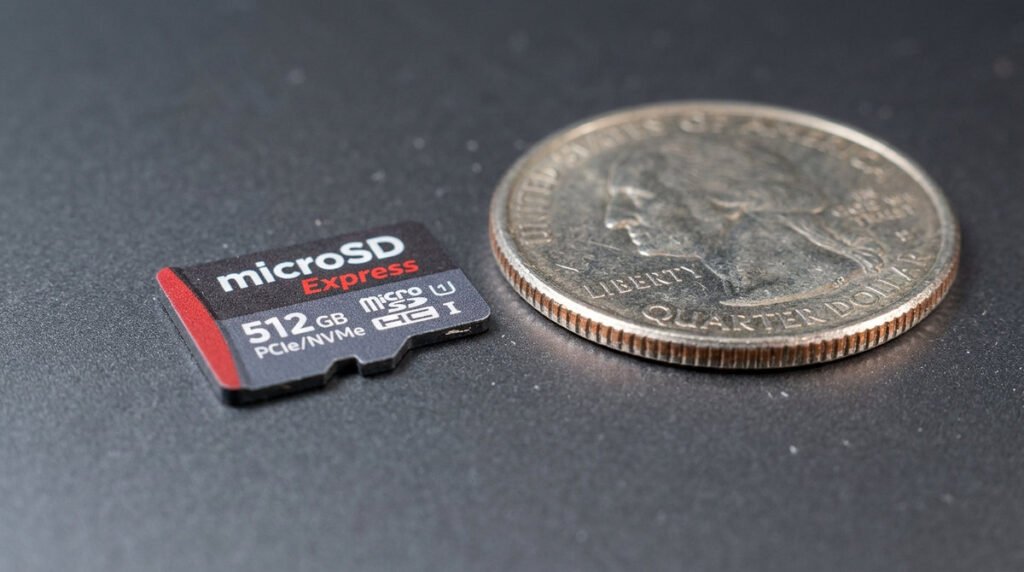
A virtual game card is a software-license interface, not a physical memory device. That distinction matters when moving between consoles: loading a digital license is separate from transferring the game’s save file. If a family shares eligible games, review Nintendo’s current lending restrictions and duration in the actual menu. Verify the purchasing account and the intended system before troubleshooting a missing title; deleting installed software should not be the first response.
Moving and lending digital access
Virtual Game Cards are a way Nintendo represents certain digital game licenses across linked systems. They do not mean that a downloaded game can be freely copied to any console or transferred permanently to another user. Your Nintendo Account, family group rules and console linkage govern which game is available and where. Before selling a system or lending a digital title, review the official terms rather than assuming the cartridge metaphor makes the license behave like a physical game card.
Limits to check before you rely on lending
A practical troubleshooting sequence is to check the purchasing account, connectivity, current system update and which console has the virtual card loaded. Family lending may have eligibility, timing and proximity conditions; those can change as Nintendo updates the feature. Redownloading game data and transferring saved progress are different actions. If you cannot see a game, preserve the original account access and avoid creating a new account or repurchasing it as your first fix.
Virtual Game Card questions
- The digital card concept: A virtual card represents access to a qualifying download rather than a removable storage device.
- Linked systems: Understand which consoles are associated with the purchasing Nintendo Account.
- Lending and sharing: Eligibility, lending time limits and family-group rules should be checked in the current Nintendo interface.
- Internet requirements: Some authorization steps need an online connection even when a downloaded game plays offline afterward.
- Moving a game: Ejecting and loading licenses should not be confused with moving save data.
- Family purchases: Buying once does not automatically grant unrestricted simultaneous play to every account.
- Troubleshooting missing cards: Verify the account, linked systems and menu settings before deleting anything.
- Ownership boundaries: Digital availability and account access differ from the permanence of a physical copy.