Which original Switch games are supported
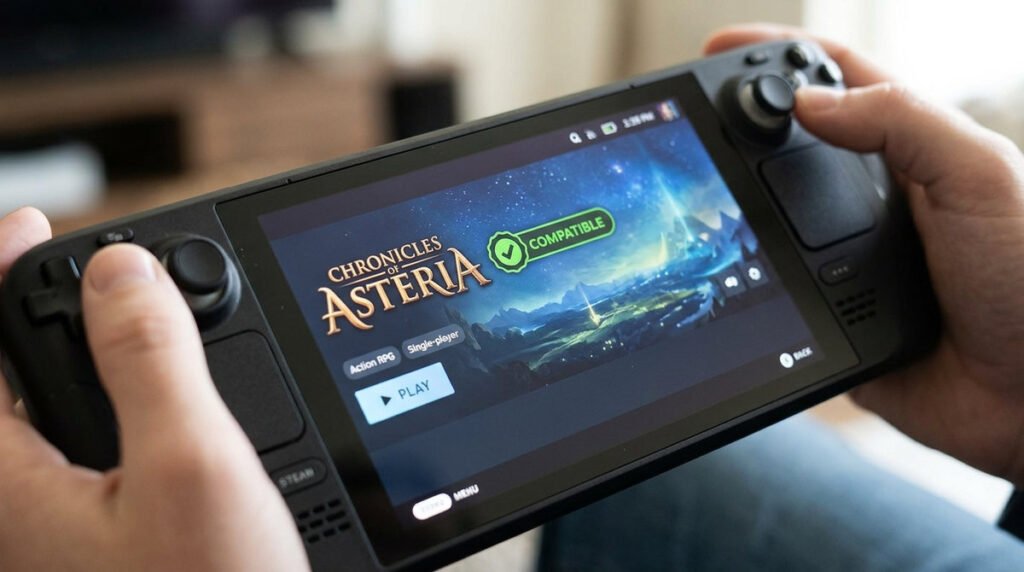
Nintendo says Switch 2 runs many, but not every, original Switch physical and digital games. A title might start yet still need an original accessory or encounter a compatibility exception. The safest approach is to keep a shortlist of your most-played games, check their individual compatibility notes and test critical controller functions after transfer. Save migration is a separate step: a game icon on the newer console is not proof that your old progress has moved.
Why controllers and accessories still matter
Switch 2 can play many games designed for the original Nintendo Switch, but compatibility is not a single universal switch. Nintendo identifies game-specific exceptions, accessories and software adjustments. A game may launch while a particular controller accessory, camera-like peripheral or local multiplayer mode needs the original hardware. Similarly, a publisher can release an update that improves compatibility without turning the old product into a paid Switch 2 Edition.
Checking a specific title before you buy
Before replacing an older console, list the titles you play most and check Nintendo’s compatibility information for each one. Verify physical cartridge expectations, digital account access, saves and peripherals independently. For a collector, the important question may be whether a title’s unusual play mode still works rather than whether its menu appears. Avoid using crowd-sourced “100% compatible” spreadsheets without checking when the test was conducted and which game revision was used.
Compatibility verification checklist
- What compatibility means: A game launching is not the same as every controller or online feature working identically.
- Physical and digital copies: Licensing and ownership rules differ from whether a cartridge or download can technically run.
- Known exceptions: Check Nintendo’s compatibility information for specific games rather than making a universal assumption.
- Accessory-dependent games: Some titles were designed around original Joy-Con or accessories and can need special handling.
- Updates and improvements: Patches may change the experience, so verify the current game version.
- Moving save data: Save migration is a separate task from installing or starting a game.
- Testing your library: Start with your most-played purchases and verify performance and input behavior.
- Buying second-hand games: Confirm region, physical format and necessary peripherals before paying.