The exact fix in firmware 23.0.1
Version 23.0.1 is a targeted fix, not a feature overhaul. Nintendo’s release notes address unusually slow software start, pause and close transitions introduced in 23.0.0. If your console has no such symptom, there is no reason to assume it will gain higher resolution or new game compatibility. Install the current version through System Settings and test a specific affected game; if the delay remains, check that game’s update separately.
How to tell if your console needs the patch
Nintendo’s support notes say version 23.0.1 addressed an issue introduced in version 23.0.0 that could make software slow to start, pause or close. That is a narrowly specified bug fix, not an announcement of graphics upgrades, more storage or a universal frame-rate improvement. If a game was behaving normally, you might notice little difference in moment-to-moment play. The important step is confirming which version your console has rather than assuming a similar symptom has the same cause.
When slow game launches need other troubleshooting
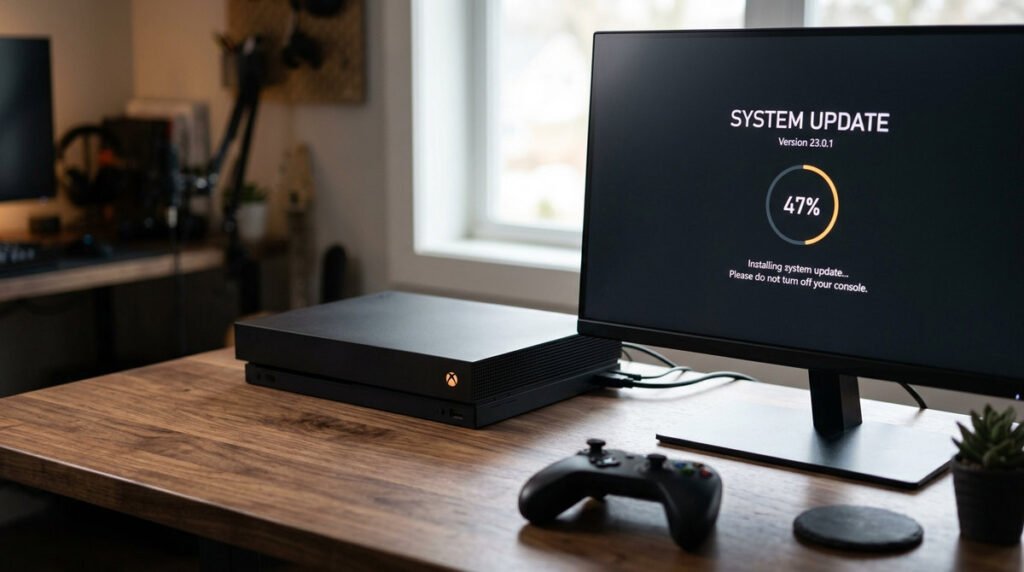
To check, open the HOME Menu, go to System Settings, then System, then System Update. Keep the console powered while the process completes. If the problem persists, compare several games, note error codes and check individual software updates; a fault affecting just one title may have another explanation. Avoid deleting saves or performing a factory reset as an early troubleshooting step. Nintendo’s official version history is the authoritative reference for what each release actually changed.
Firmware 23.0.1 checklist
- What Nintendo actually changed: Version 23.0.1 corrects occasional delays in starting, suspending or closing software, according to the official release notes. The problem described by Nintendo was a delay in transitions between software states, not a documented frame-rate or visual-quality issue. Compare an affected title before and after the system update rather than assuming every game will feel faster.
- Why the prior version matters: Version 23.0.0 brought broader functionality and preceded the targeted corrective update.
- Installing the update: Use System Settings, System, then System Update while connected to the internet. From the HOME Menu, open System Settings, then System, then System Update. Allow the console to finish and restart if prompted. If the update is already installed, repeated attempts to download it will not resolve a game-specific problem.
- Before you troubleshoot: Restart the console after an unexpected software delay and verify which system version is installed.
- What the patch does not promise: The notes do not advertise increased frame rates, new games or expanded compatibility.
- If the symptom continues: Check for individual game updates and test a second title to isolate the cause. Check whether the delay happens in one game or across several. If it is limited to one title, look for an update for that game before changing system settings. Keep a note of the error message, if one appears, when contacting Nintendo support.
- Keeping saves safe: A system software update is not a reason to delete game files or saved progress.
- How to read future patch notes: Separate published fixes from user reports and pay attention to the release region and date.